
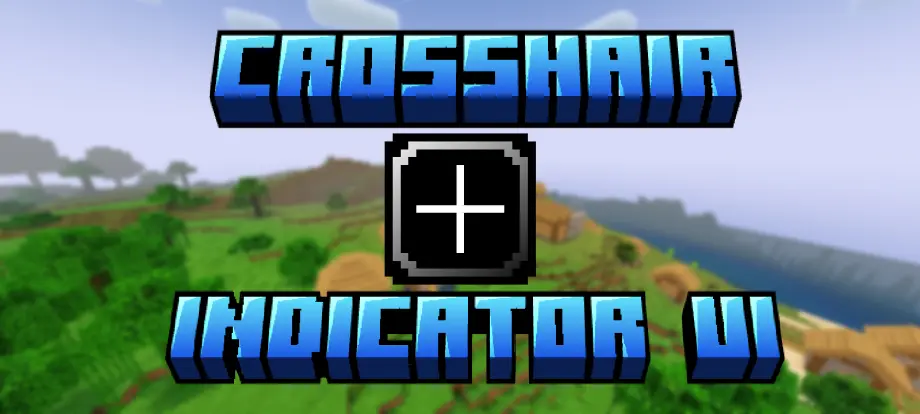
Crosshair Indicator UI
 Go to files
🎯 Crosshair Indicator UI
Change Crosshair Colour Without Leaving Your World!
No need to quit worlds to change the crosshair colour. Just change colour in world — Crosshair Indicator UI makes that possible without leaving your session.
Crosshair Indicator UI is a UI resource pack for Minecraft Bedrock Edition (MCPE) that lets you change the crosshair colour in-game via a pause-menu colour panel.
Pause the game, click on "Colours", and slide the slider to select your favourite colour. You can set different colours for day and night.
Crosshair Indicator helps you identify when an entity is positioned under your crosshair: when an entity is detected, the indicator changes to the selected colour so you can recognize when a target is within your aim.
✨ Features
- 🎨 10 Colour Options: Choose from a variety of colours to match your preference.
- 🌈 RGB Animated Colour: Enjoy a continuously animated RGB colour option.
- 🎚️ Interactive Colour Slider: Easily switch between colours using the custom slider.
- 📋 In-Game Colour Menu: Access the colour selection panel directly from the pause menu.
- ⚡ Instant Colour Switching: Change your Crosshair Indicator colour without leaving your current world.
- 🎯 Entity Detection: The Crosshair Indicator responds when an entity appears under your crosshair.
- 🖥️ Custom UI Design: A clean and simple menu designed to fit naturally into Minecraft Bedrock Edition.
🎨 Available Colours
- Aqua
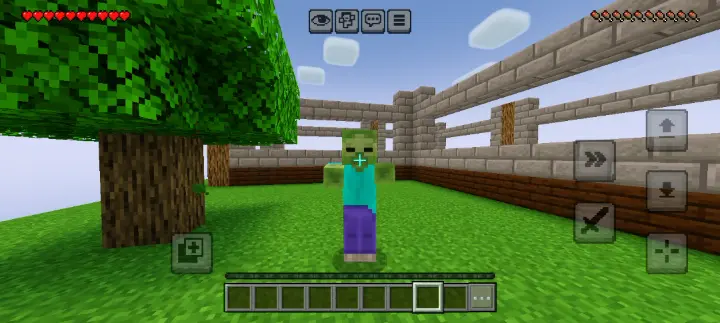
- Black
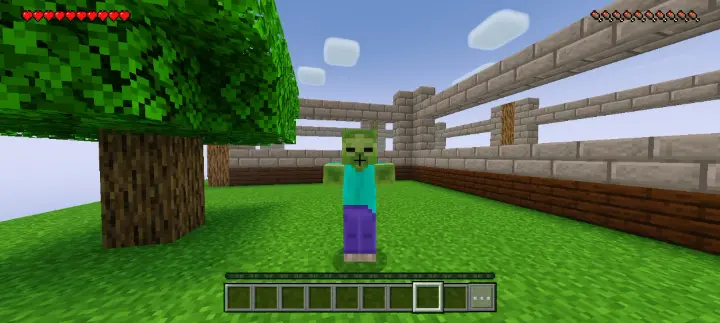
- Blue
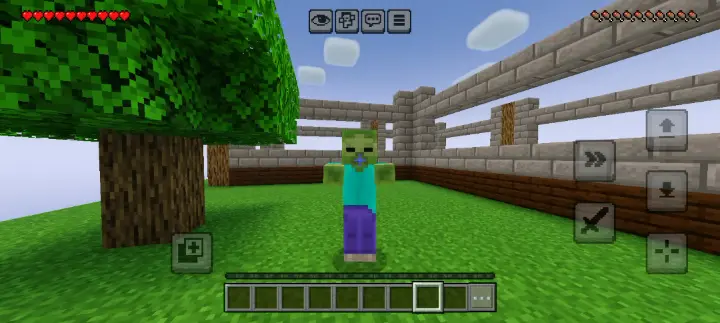
- Gray
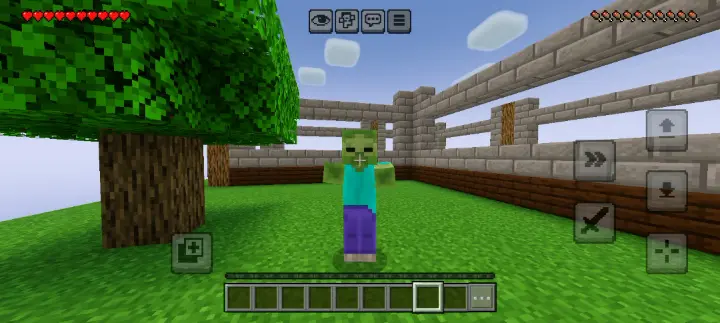
- Green
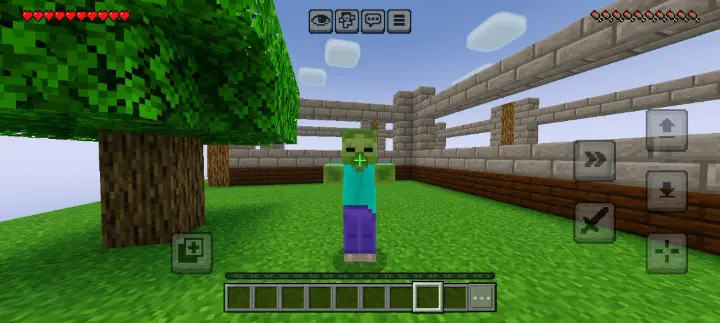
- Light Purple
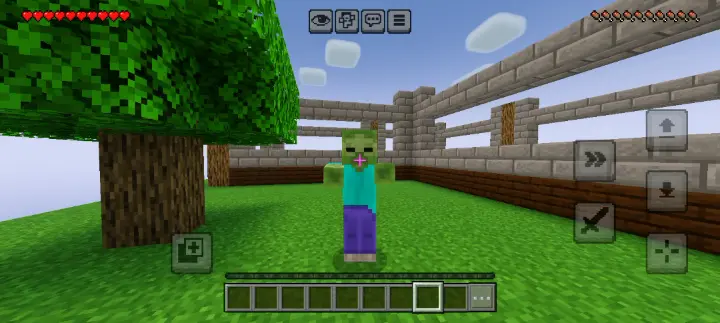
- Orange
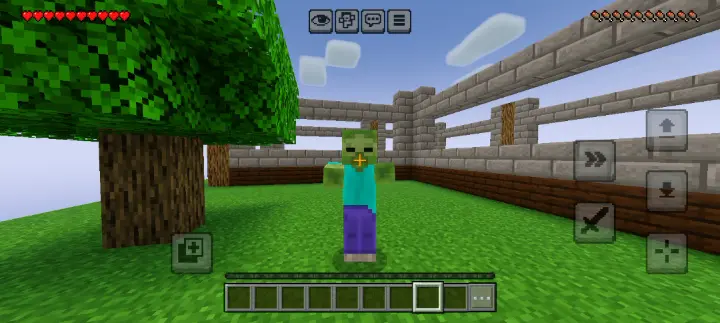
- Red
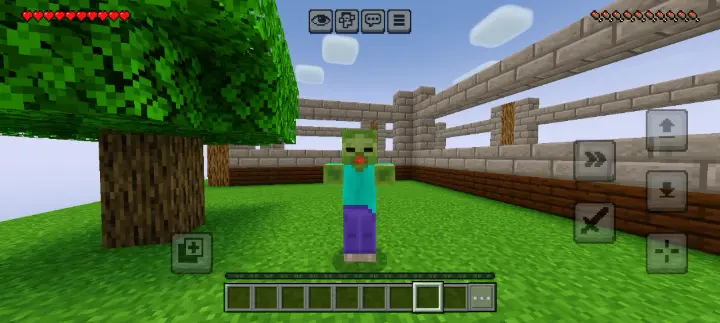
- Yellow
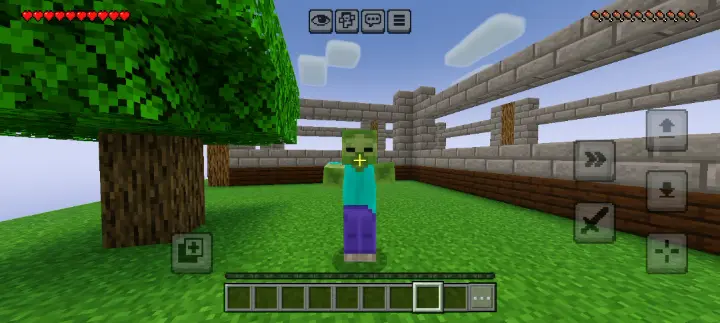
- RGB Animated
🎮 How To Use
- Activate Crosshair Indicator UI in your Resource Packs.
- Enter any Minecraft world.
- Open the pause menu.
- Find and click the Colours button.
- A custom Crosshair menu will appear in the middle of your screen.
- Move the slider to select your preferred colour.
- Return to your world and enjoy your selected Crosshair Indicator colour!
📱 Compatibility
- Game: Minecraft Bedrock Edition (MCPE)
- Supported Version: 1.26.x
- Platform: Android / MCPE
- Pack Type: UI Resource Pack
❤️ Support The Project
If you enjoy using Crosshair Indicator UI, consider leaving a comment, sharing your experience, and supporting the project — your feedback helps make future updates even better.
Stop leaving your world just to change a colour. Choose it instantly with Crosshair Indicator UI!
Made for Minecraft Bedrock Edition players.
"This pack is developed by myself. This pack may have bugs. Tell me about bugs in the comments and I will try to fix them. I'm planning improvements and better updates."
--HyperTechnoZ131--