ShadowGem100k

upd:
Copy link
QuickPort Items v1.1 1.21.130
 Go to files
Overview
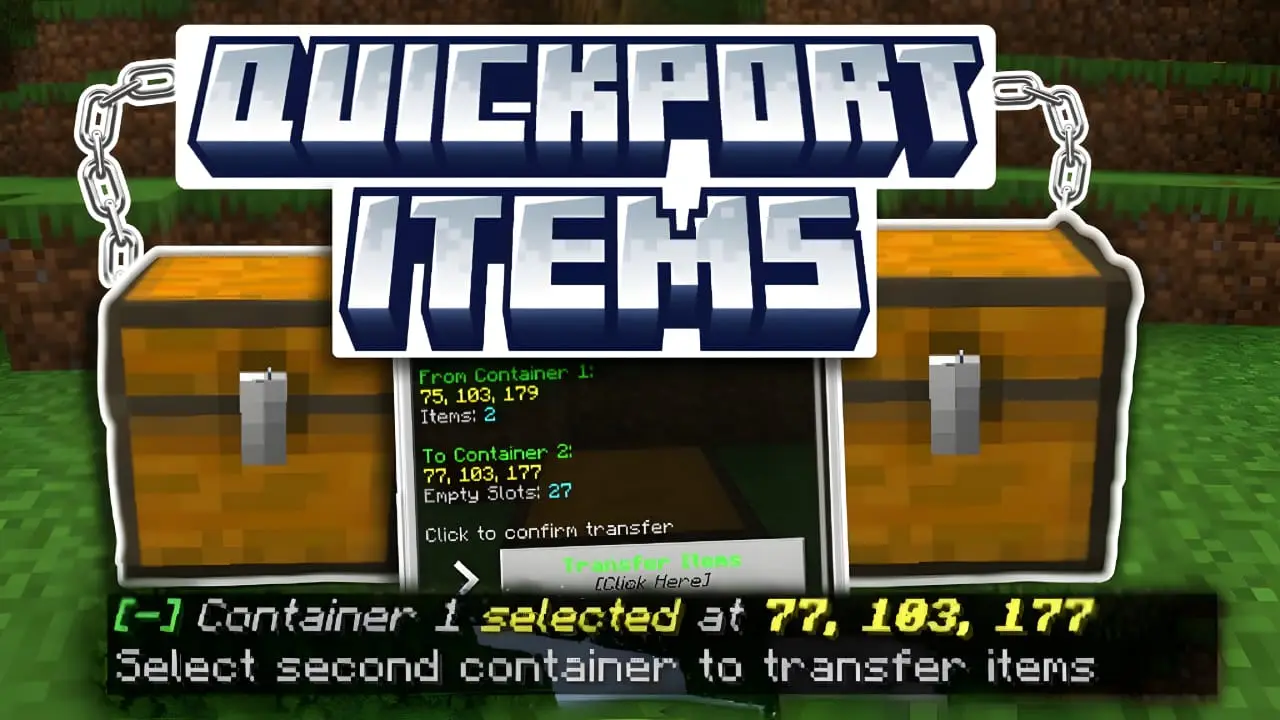
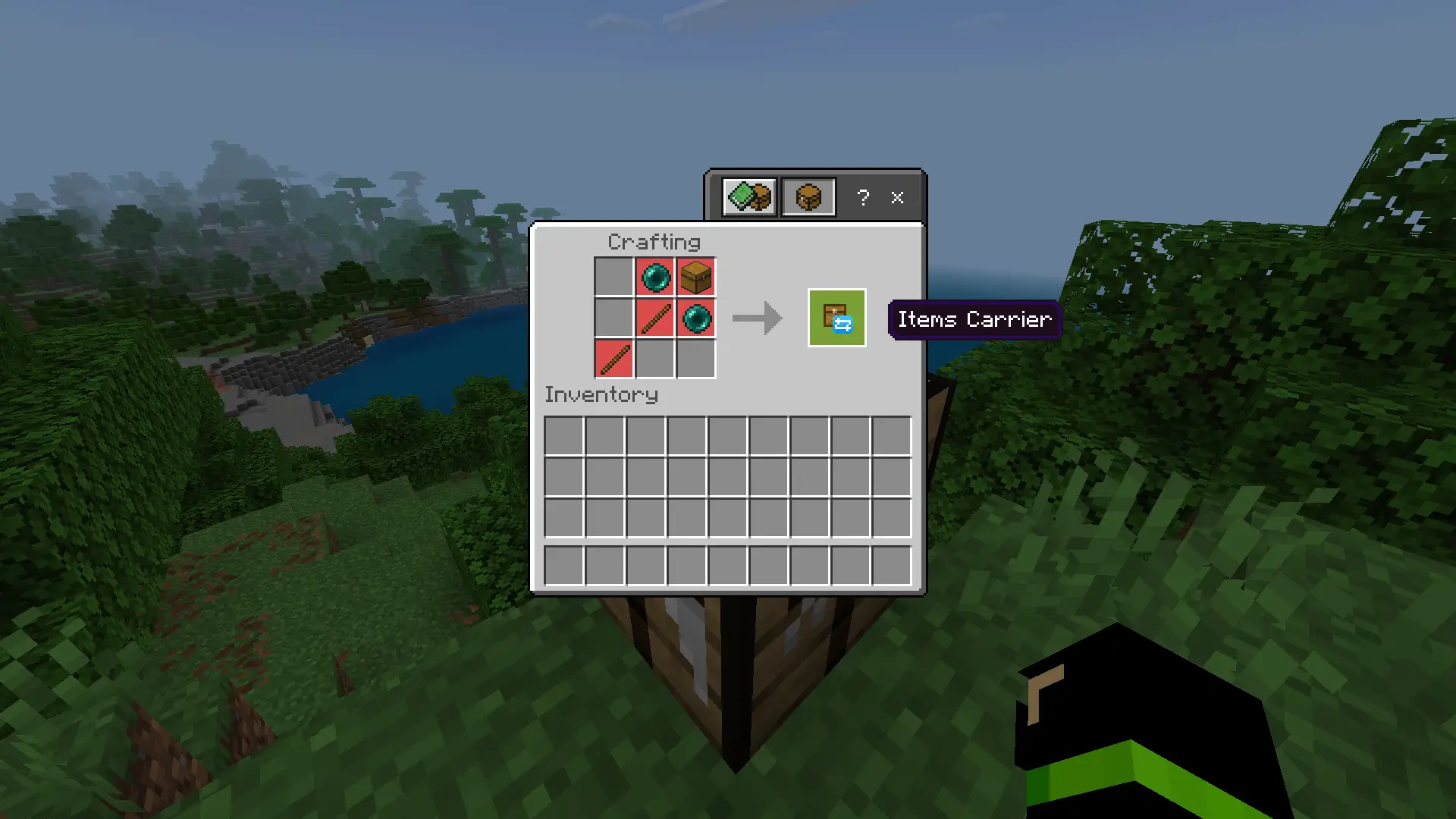
This addon enables automatic item transfer between chests and supports integration with other addons for smoother storage management.
- How to use it?
- Hold the item in your hand, sneak, and click on the first chest or container to take items from it.
- Go to the destination chest or container where you want to place the items and click it as well.
- In the menu that appears, press the transfer confirmation button. The items will be transferred automatically.
Updated on January 5, 2026
- new update
Changelog for December 10, 2025 / Old Update
- Updated to work with Minecraft 1.21.130 (compatibility update)
Download links
Supported versions
Tags