Villager zombification
Go to files
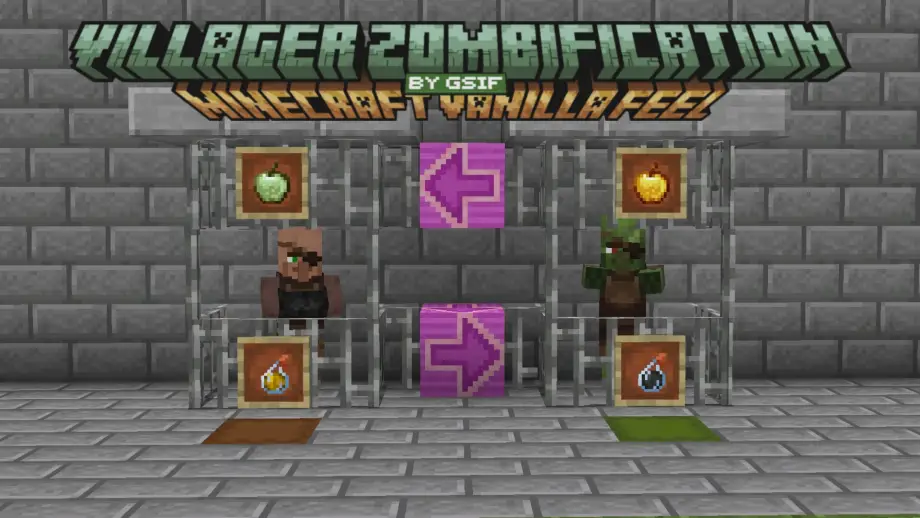
Zombify villagers using a crafted Zombified Apple and vanilla mechanics — transform normal villagers into Zombie Villagers with an invisible, survival-friendly process.
🍎 Villager Zombification
You've cured hundreds of Zombie Villagers. You've fed them Golden Apples, splashed Weakness on them, built iron bar cages and surrounded them with beds like some kind of overprotective parent. You've watched them shake and shudder and slowly turn back into the annoying little trading machines they were always meant to be.
But did you ever think... what if you went the other way?
Introducing the Zombified Apple — the most morally questionable fruit in Minecraft.
🔨 How to craft the Zombified Apple
Recipe: 8 Rotten Flesh + 1 Apple = 1 Zombified Apple
[Rotten Flesh] [Rotten Flesh] [Rotten Flesh] [Rotten Flesh] [Apple] [Rotten Flesh] [Rotten Flesh] [Rotten Flesh] [Rotten Flesh]
Craft it at any Crafting Table. It unlocks in your recipe book when you pick up Rotten Flesh.
⚗️ How to zombify a villager
Step 1 — Prepare the villager
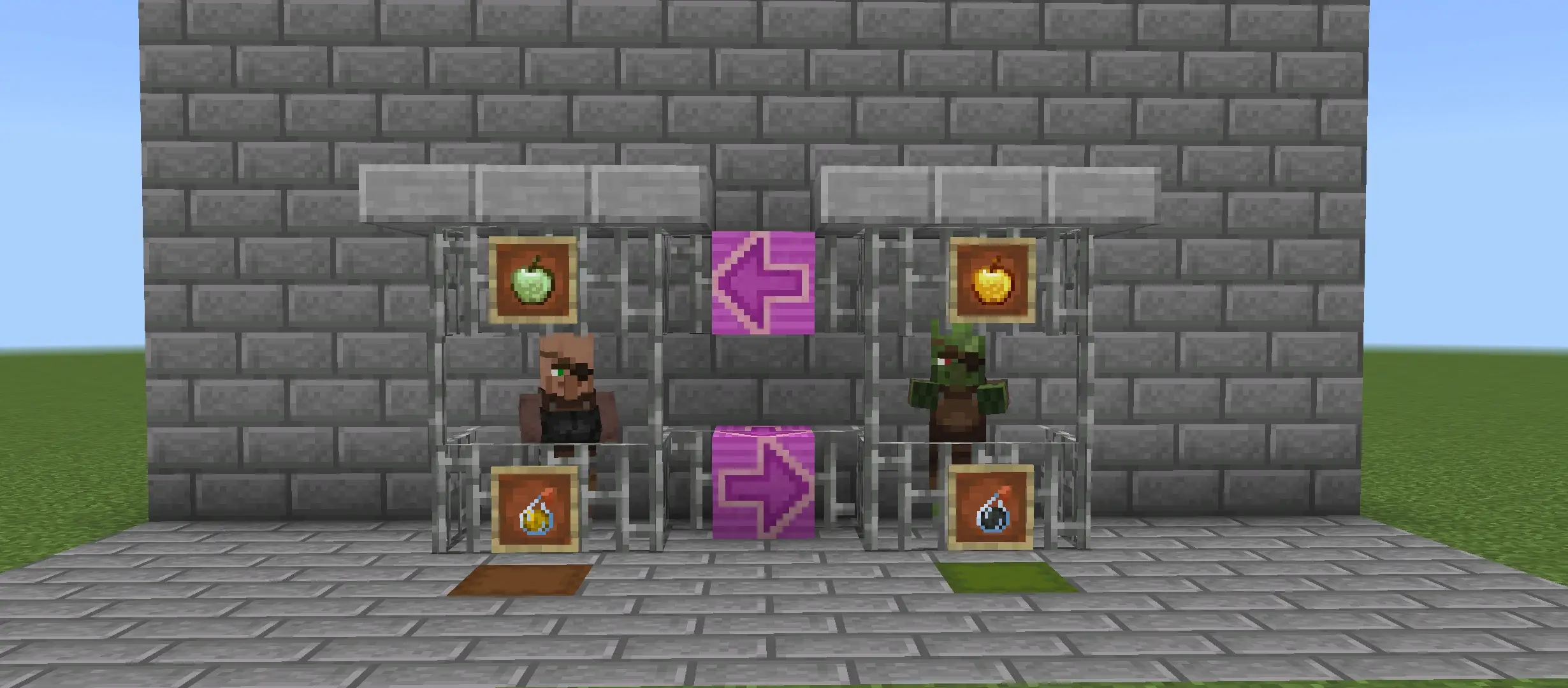
Give the villager the Strength effect (e.g., throw a Strength potion at them). This primes them to be affected by the apple.
Step 2 — Use the Zombified Apple
Right-click the villager while holding the Zombified Apple. The apple is consumed (unless you're in Creative). The villager's Strength is replaced with Weakness and a contextual sound plays.
Step 3 — Wait
The transformation timer is random between 3 and 5 minutes (3600–6000 ticks). There's no progress bar or HUD feedback — the process is silent and invisible.
Step 4 — Optional: Speed it up
Within a 9×9×9 cube centered on the villager, Iron Bars and Beds can accelerate the timer. Each tick there's a 1% chance to scan the cube; for each accelerant found (up to 14) there's a 30% chance to remove an extra tick. Fully stocked (14 blocks) speeds the process by an average of ~4.2%.
Step 5 — Completion
When the timer ends, the villager becomes a Zombie Villager, Weakness is removed, and gameplay continues. The addon briefly switches world difficulty to Hard for the transformation command to work, then restores it immediately.
✨ Full vanilla feel — no UI clutter
This addon aims to be indistinguishable from vanilla behavior:
- No chat messages
- No title popups
- No action bar text
- No custom UI or notifications
📊 Vanilla vs This Addon
What you need
- Vanilla Curing — Golden Apple; Weakness on the zombie; used on Zombie Villager → yields a normal Villager
- Villager Zombification — Zombified Apple; Strength on the villager; used on normal Villager → yields a Zombie Villager
The timer
- Both use a random timer: min 3600 ticks (3 min), max 6000 ticks (5 min)
- No progress bar in either process
Acceleration
- Both scan a 9×9×9 cube
- Both consider Iron Bars & Beds as accelerants (max 14, 30% chance each)
During the process
- Effect on entity: Villager receives Weakness (inverse of vanilla)
- UI feedback: None
- Sound on start: uses the same remedy sound for consistency
The only technical difference is the temporary difficulty switch to Hard when the final transformation command runs; the pack restores the prior difficulty immediately.
⚠️ Important — Select your subpack before playing
This step is required. Bedrock cannot detect world difficulty at runtime for this operation. The addon includes four subpacks (one per difficulty). Apply the Behavior Pack and pick the subpack that matches your world before loading:
- Restore to: Peaceful — if your world is Peaceful
- Restore to: Easy — if your world is Easy
- Restore to: Normal (default) — if your world is Normal
- World is already Hard — choose this if your world is permanently Hard (no difficulty change)
If you pick the wrong one the villager will still zombify but the restored difficulty may be incorrect; fix by re-applying the correct subpack.
🍎 You can eat it (if you dare)
The Zombified Apple is edible. Effects on consumption:
- Hunger for 5 seconds (food bar drains fast)
- Weakness for 2 minutes
Compared to a Golden Apple (regeneration + absorption), the Zombified Apple is a debuff. It can be eaten with a full hunger bar.
✅ Requirements
- Minimum version: 1.21.0
- Beta APIs / Experimental Settings must be enabled — scripts require them
- Works in multiplayer — each villager tracks its own timer
- Works in Survival and Creative — in Creative the apple is not consumed on use
This addon was built to feel like something Mojang quietly forgot to ship. Use it wisely. Or don't.