


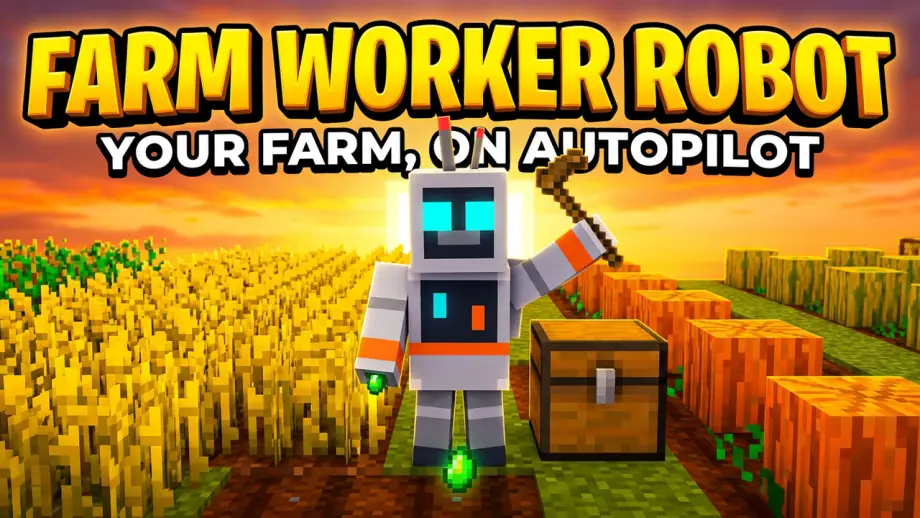
Farm Worker Robot — the robot that farms for you
 Go to files
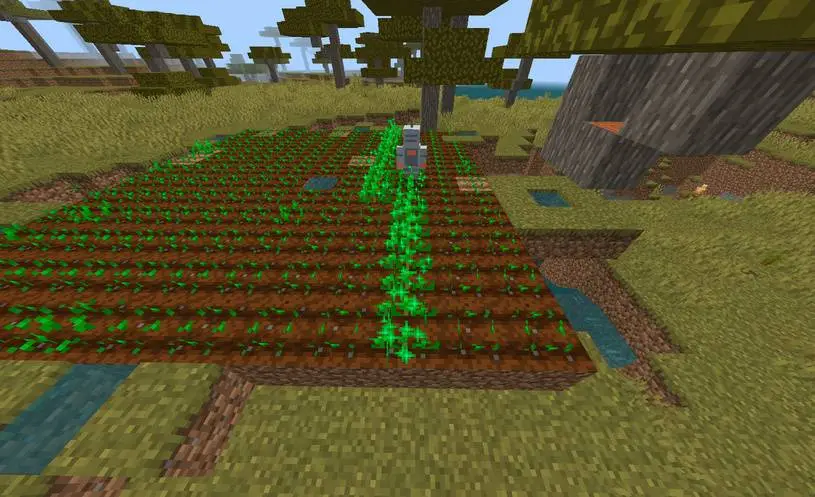
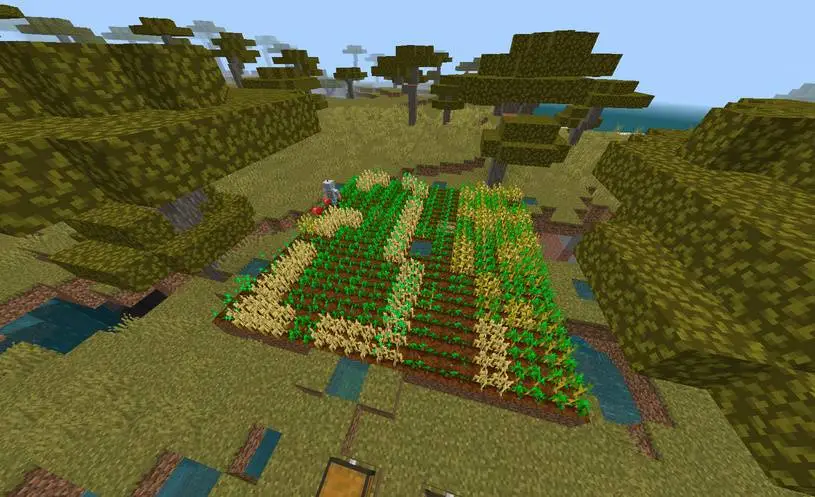
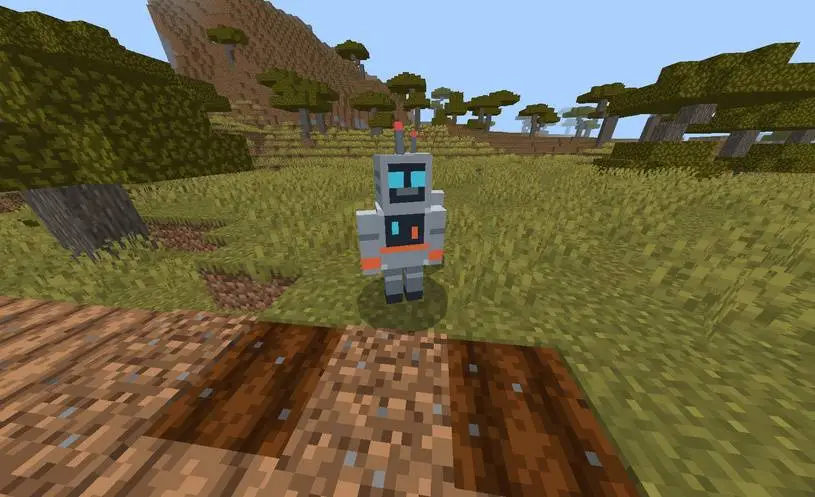
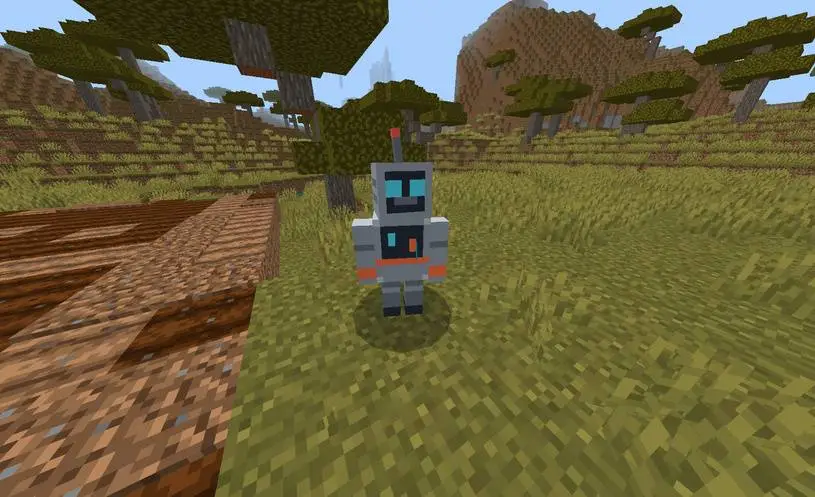
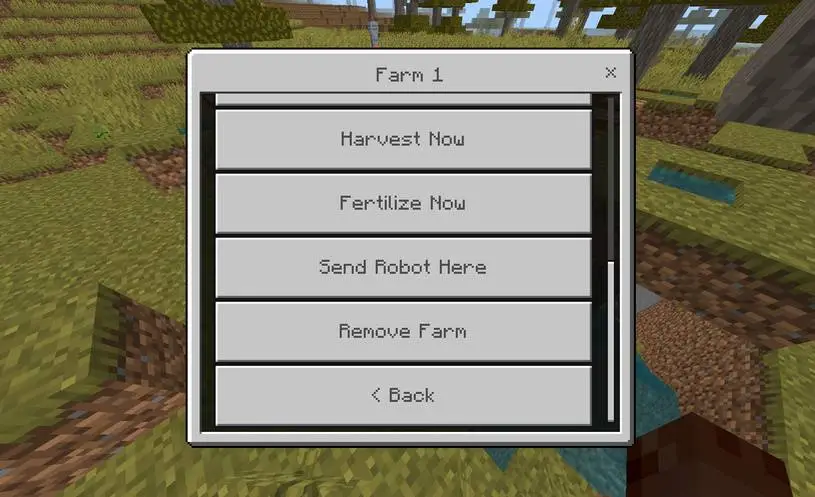
Farming in Minecraft is a loop: till, plant, water, wait, harvest, re-plant. Do it for a week and the fun turns into a chore. Farm Worker Robot ends that loop with a craftable robot that does the whole job for you: it tills the soil, plants the seeds, keeps the field watered, spreads the bone meal, harvests at exactly the right moment and re-plants — while you do anything else.
One .mcaddon file. No behaviour experiments, no subpacks, no settings to find. It works on singleplayer, Realms and servers, and every setting is saved on the robot itself, so it survives server restarts.
What the robot does
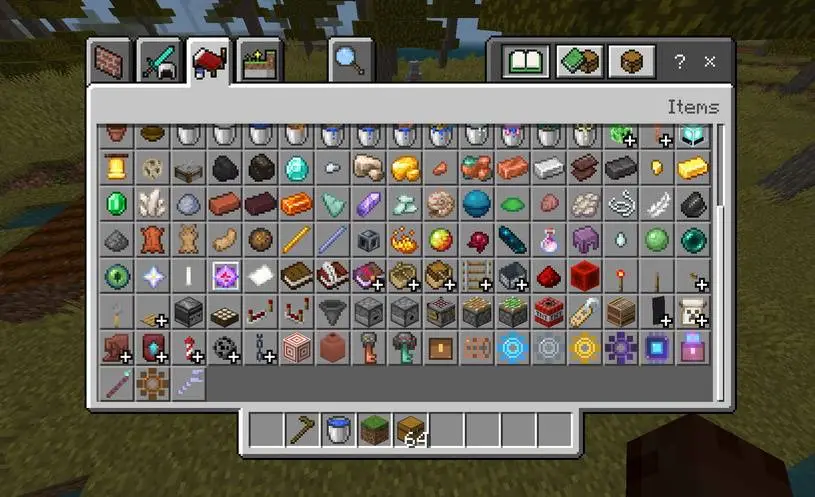
- Craft the kit.
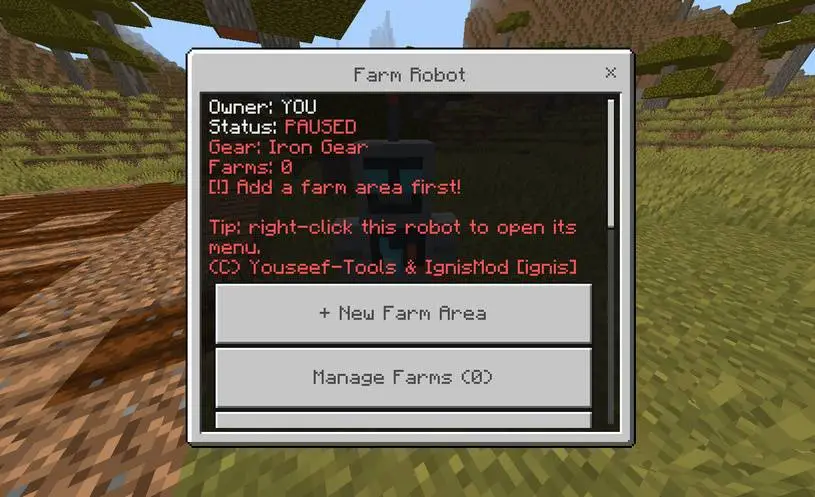
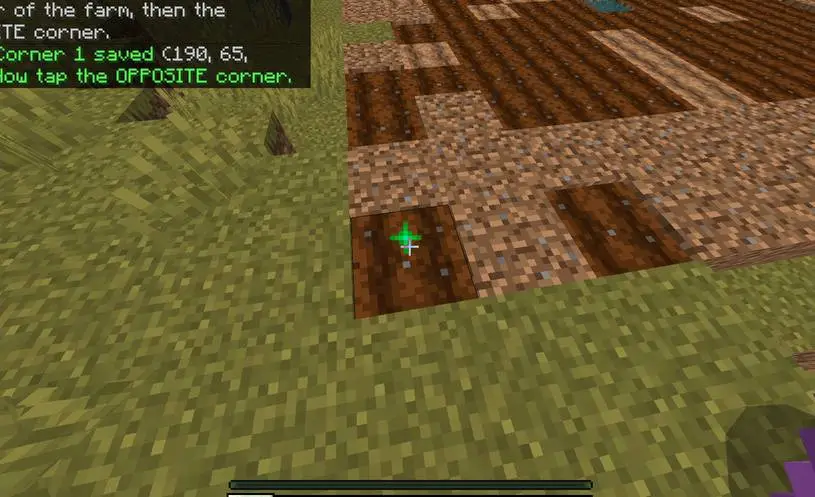
Farm Robot Kit= aRobot Core+ 2×Iron Gear+ 2×Iron Ingot. Use it on any block and the robot spawns already registered to you — nobody else can control it. - Right-click it. The first menu asks you to mark your farm: take the selection stick, click two corners of a rectangular area, done.
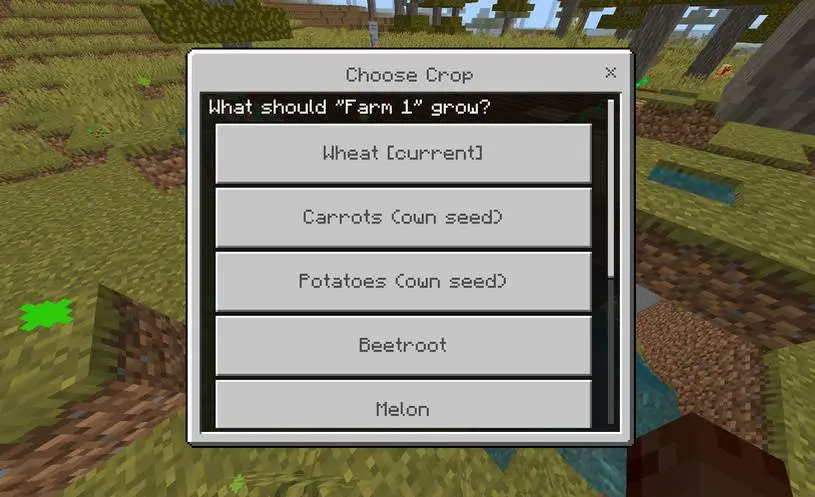
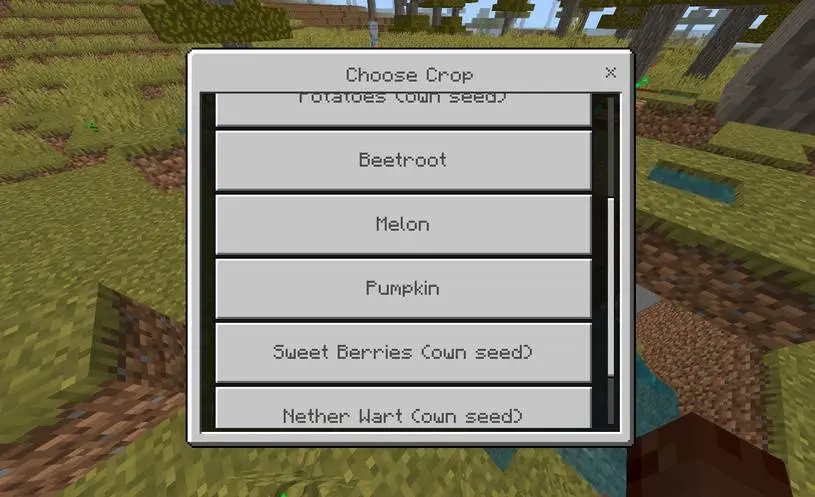
- Pick a crop. Eight crops are supported: wheat, carrots, potatoes, beetroot, sweet berries, corn, melon and pumpkin. Carrots, potatoes, nether wart and berries use the item itself as seed, so they come straight from the crop chest.
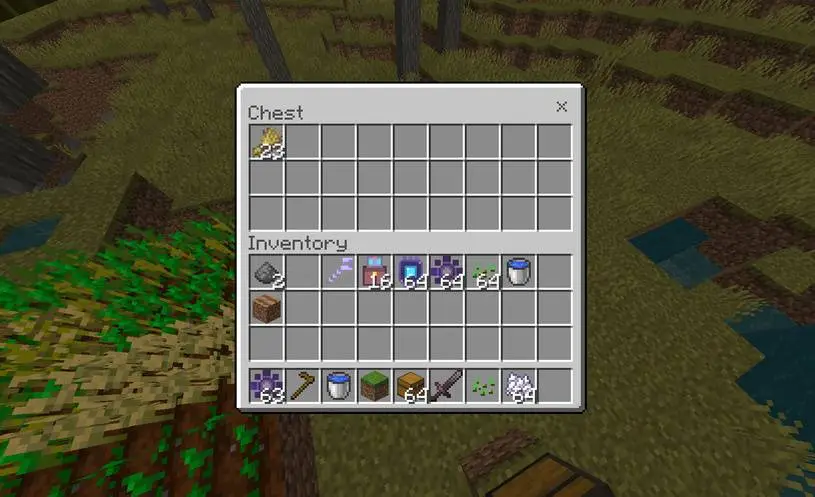
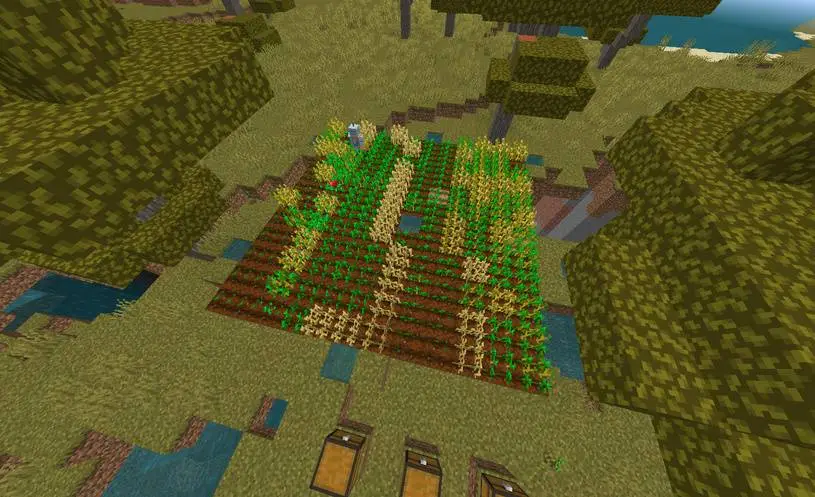
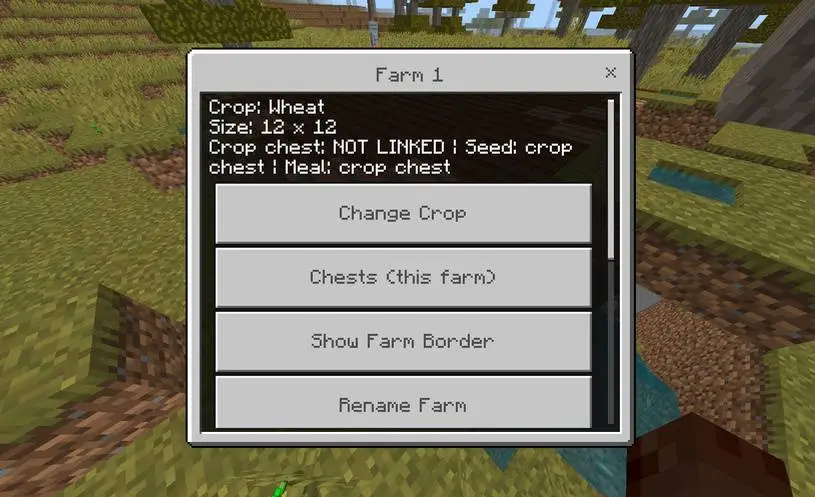
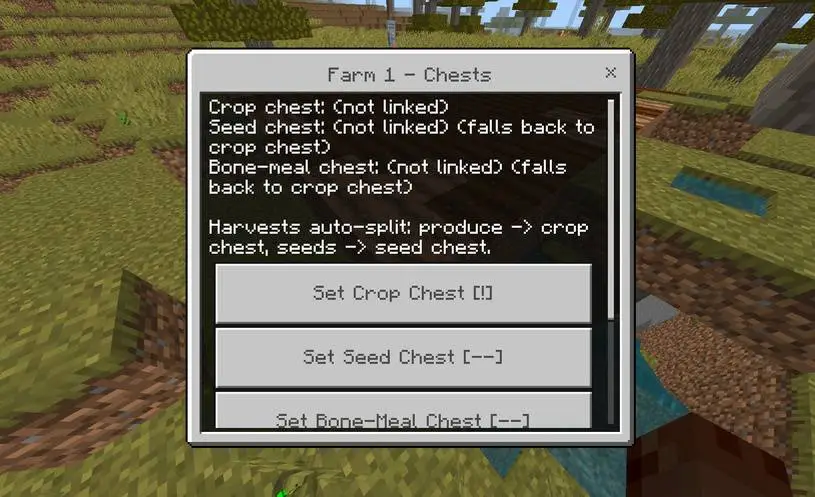
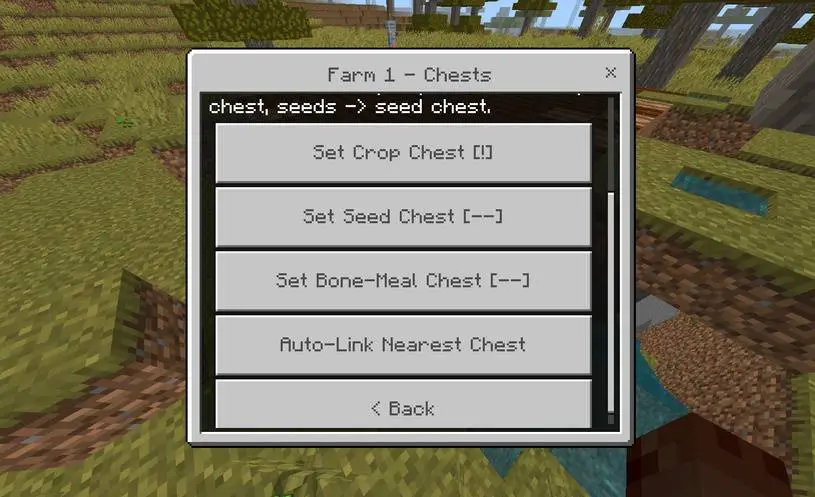
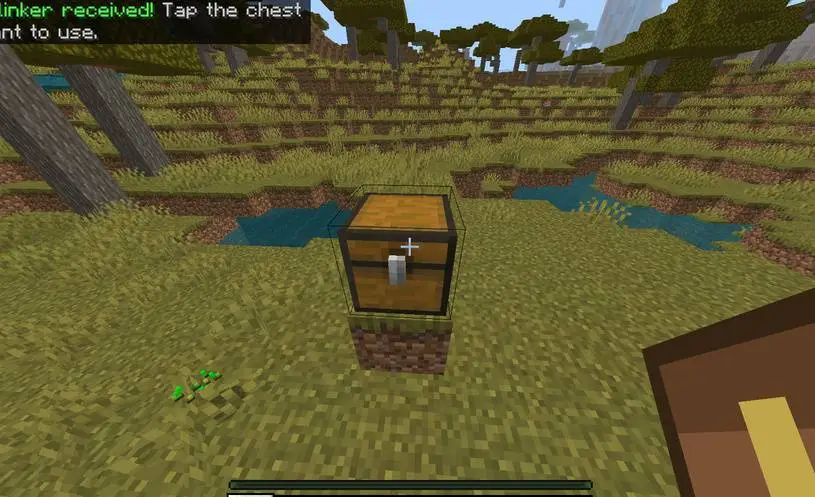
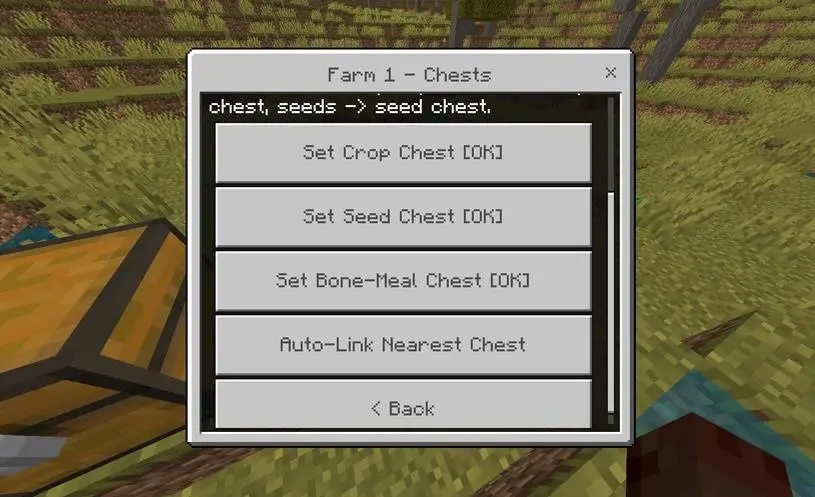
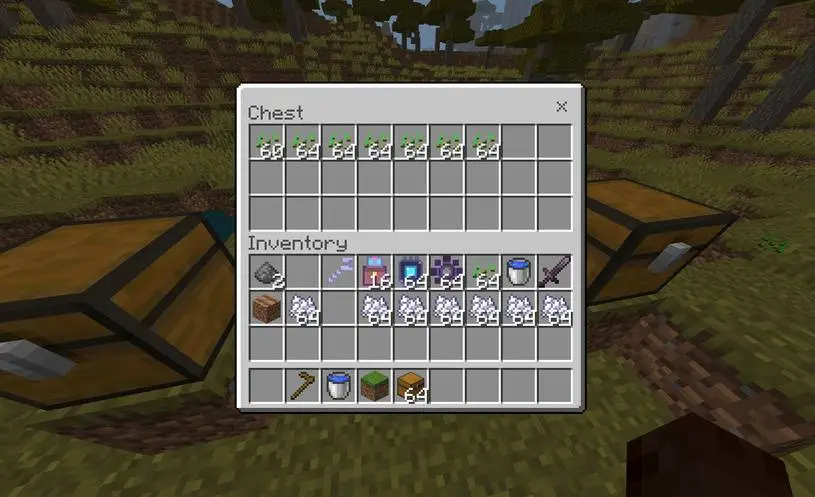
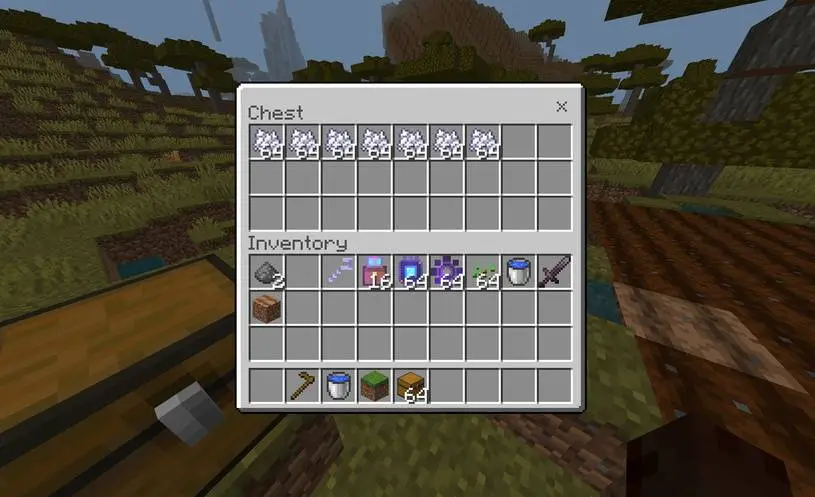
- Link the chests. Each farm can have a crop chest (produced harvest goes in here), a seed chest (seeds come from here) and a bone-meal chest (fertilizer comes from here). Point at a chest and confirm — or press Auto-Link Nearest Chest and the robot finds them for you.
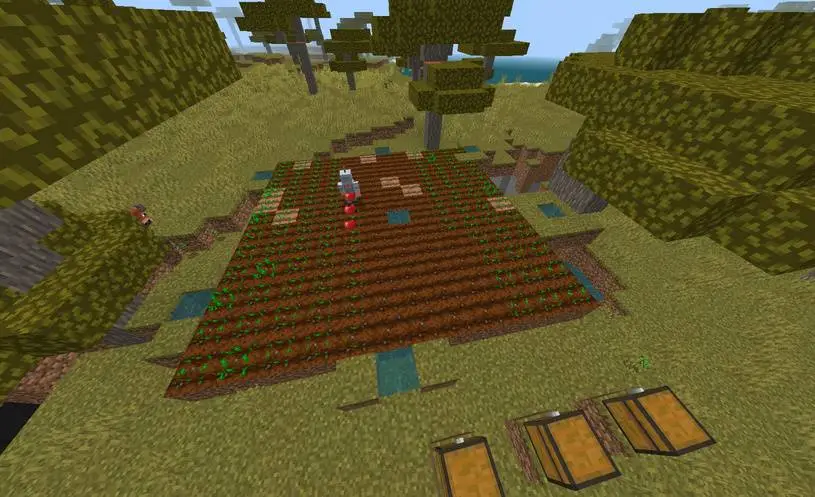
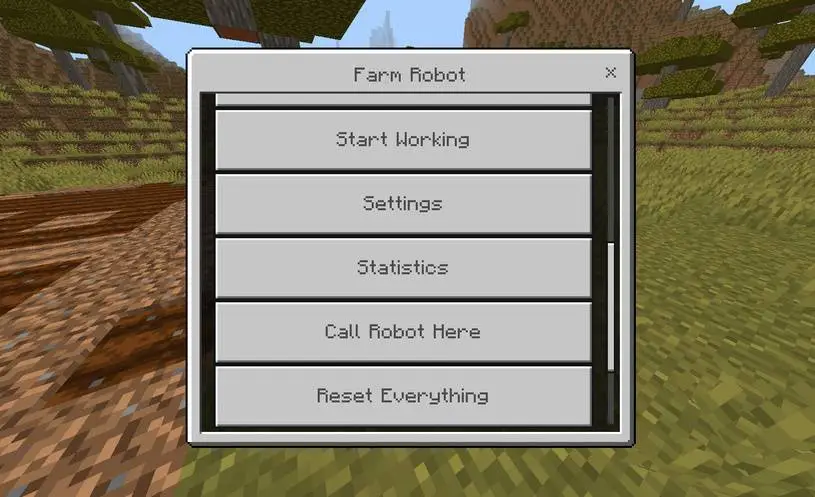
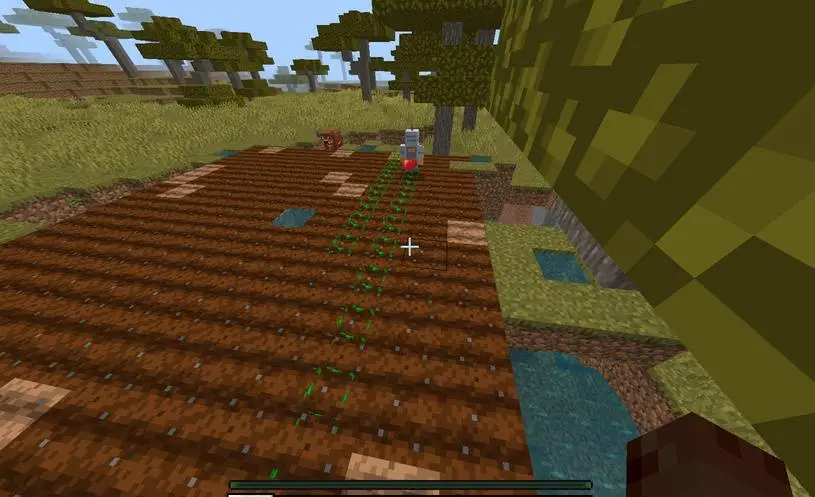
- Start Working. The robot walks the field on a path, works cell by cell and keeps going: harvest → re-plant → water → fertilize. A crop is fed at most once every 10 seconds, so the whole field matures in waves and you harvest a full field at once instead of chasing one crop.
Up to three farms, one robot
Every robot manages up to 3 farms (Farm 1 = Main, plus two more), and each farm has its own crop, its own chests, its own glass-farm option and its own name. One robot can run a wheat field, a carrot patch and a melon field in the same world without any confusion. You can also rename the robot itself, call it home whenever you want, and pull a Statistics view of every robot you own across all dimensions.
Gears: Iron to Netherite
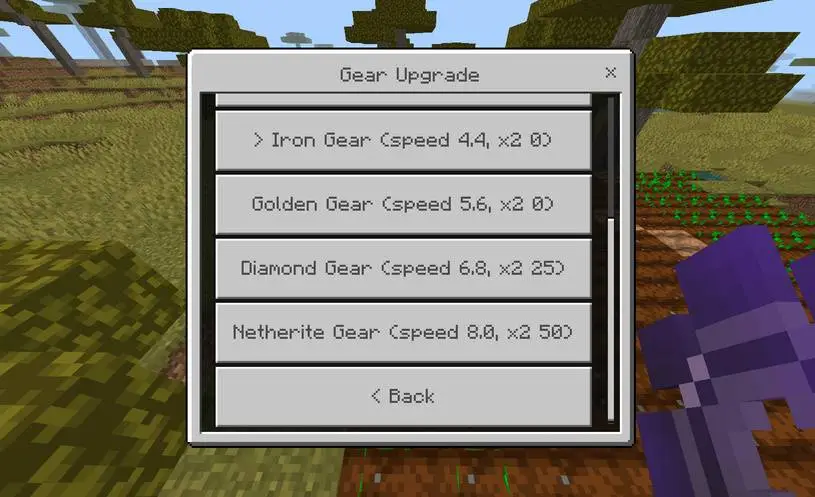
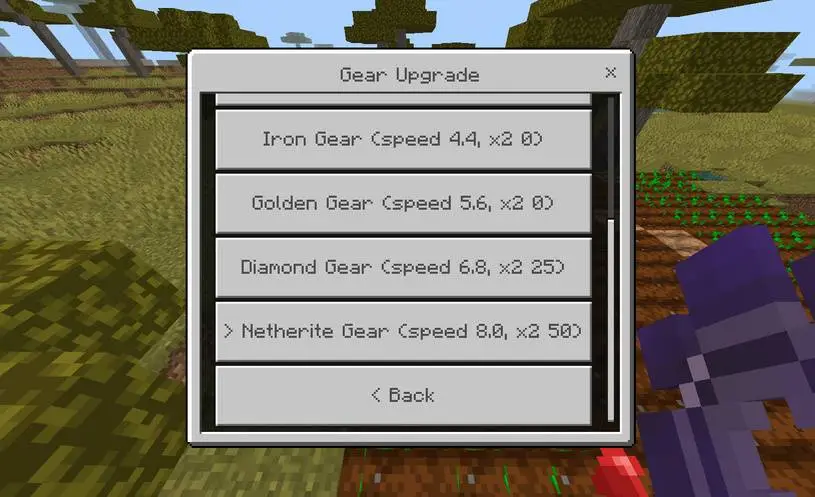
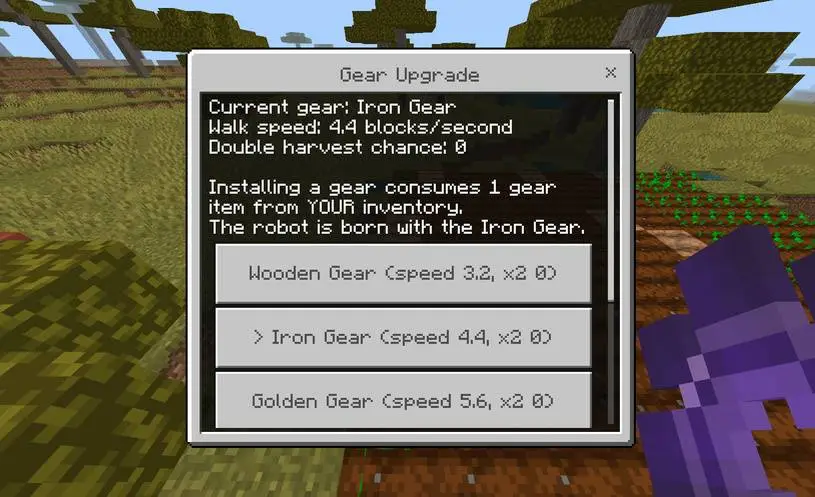
The robot's gear changes how fast it works:
| Gear | Speed | Double harvest |
|---|---|---|
| Wooden | 3.2 blocks/s | — |
| Iron (default) | 4.4 blocks/s | — |
| Golden | 5.6 blocks/s | — |
| Diamond | 6.8 blocks/s | 25% |
| Netherite | 8.0 blocks/s | 50% |
Higher tiers also add a chance to harvest twice from one plant, so a Netherite robot is roughly double the output of the starter kit.
The melon & pumpkin fix
In vanilla, a melon or pumpkin stem grows its fruit in a random empty block next to it. In a dense field the fruit usually grows backwards into the stems, ruins crops, or never grows at all. Farm Worker Robot plants the stems in pairs with a fruit lane:
[stem][stem][gap][gap] [stem][stem][gap][gap] ...
Every stem is surrounded by stems, so the fruit has exactly one direction to grow — the lane in front of the pair. Dense fields planted by hand (or by older versions) convert in place: a stem that ends up in a lane is cleared and its seed is refunded to the seed chest, so nothing is wasted. The pattern is pinned once per farm, so resizing the farm never shifts it.
Ownership (server-safe)
Every robot belongs to the player who crafted it. Other players see This Farm Robot belongs to <owner> and cannot open it — unless the owner turns on Sharing or Release Ownership from the menu (owner-only buttons).
Requirements
- Minecraft Bedrock 1.21.90 or newer (1.26 included).
- Enable both packs from the .mcaddon in world settings.
- No experiments, no cheats, achievements stay intact.







![Thumbnail: More Armor Weapons Tools and Swords Items Mod! – 𝗠𝗶𝗻𝗲𝗰𝗿𝗮𝗳𝘁 𝗙𝗼𝗿𝘁𝗶𝗳𝘆 𝗥𝗲𝘄𝗼𝗿𝗸𝗲𝗱 [v1.0.2] [New Mods New Addons Update!] [Compatible with any Addon!]](/uploads/posts/2025-02/b0534b5772_minecraft-fortify-cover.webp)