

SERP Pokédrock (Pokémon Addon) || 1.32.5 Pasture & Nature Update
 Go to files

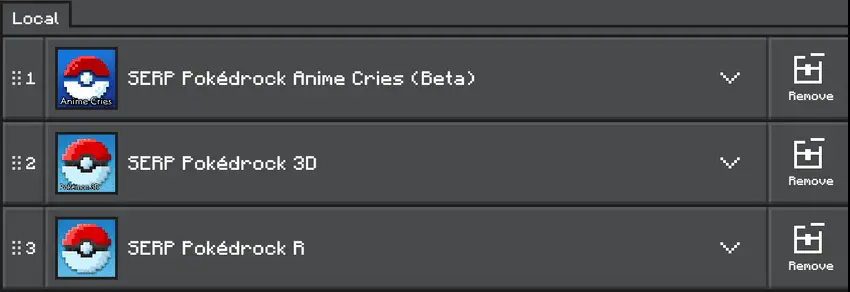
FOLLOW THE CORRECT RESOURCES ACTIVATION ORDER
You can see the changelog and other explainations with officer Jenny
Getting Started
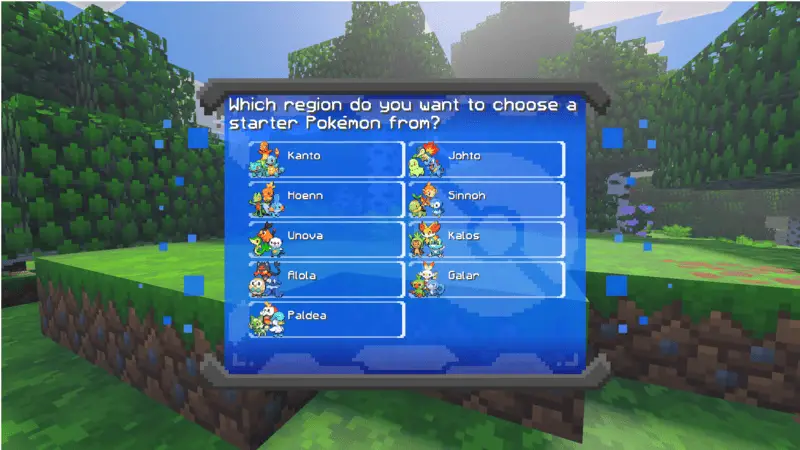
To start a new game, enter in your world, choose your favorite region and your favorite starter Pokémon. Then you will receive your starter a beginner kit and 2 charges for your Pokévial. You can use the command "/pokereset @s" to reset your data if you want to start again or if you want to update or fix important bugs.
Pokémon Center
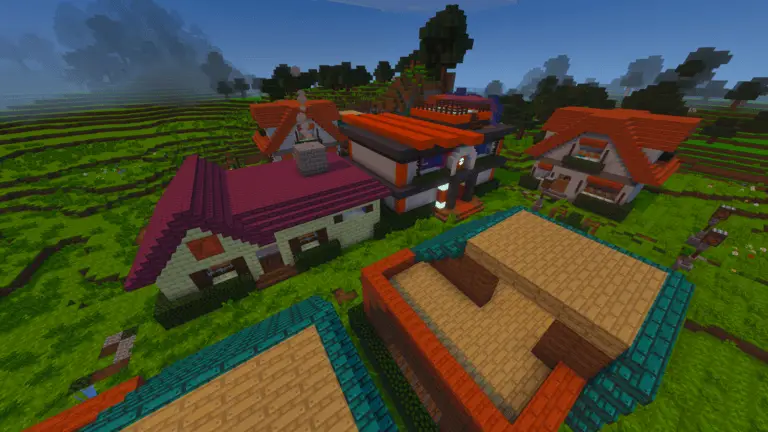
The Pokémon center will be the most important structure of your adventure. It appear in the plains and the desert, there you will find everything you need to improve your gaming experience
Battle System
The battle system has many improvements, it is the same as the original games. It has mega evolutions, Dynamax and its own mechanic called "boost" that consumes experience to raise all stats by 3 turns!
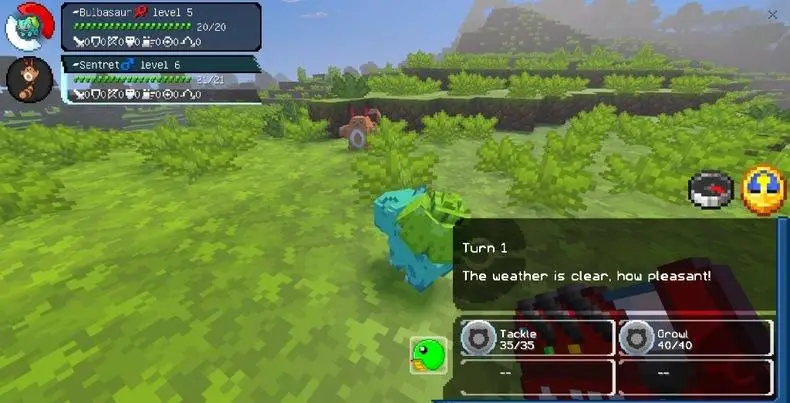
You can start a battle throwing your Pokémon (crouching and opening your menu) to a wild Pokémon or approaching a trainer


Basic interactions with your Pokémon
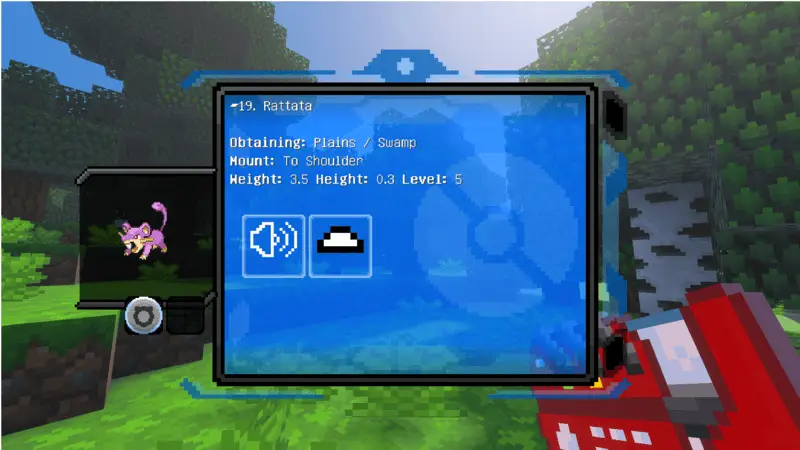
- You can use your Pokédex to test your Pokémon's mount and evolutions. Some Pokémon evolve by item interaction or trading. ALL evolution methods are in the Pokédex, so check it regularly.
Grazing Functions

The PC now has a new button that lets you send your Pokémon out to roam around. With this function, your Pokémon will heal a little HP, increase their friendship, and attack nearby monsters! Look for the new "pasture" PC box and choose an action between returning it to the party or the PC.
Pokéradar & Biome Detector
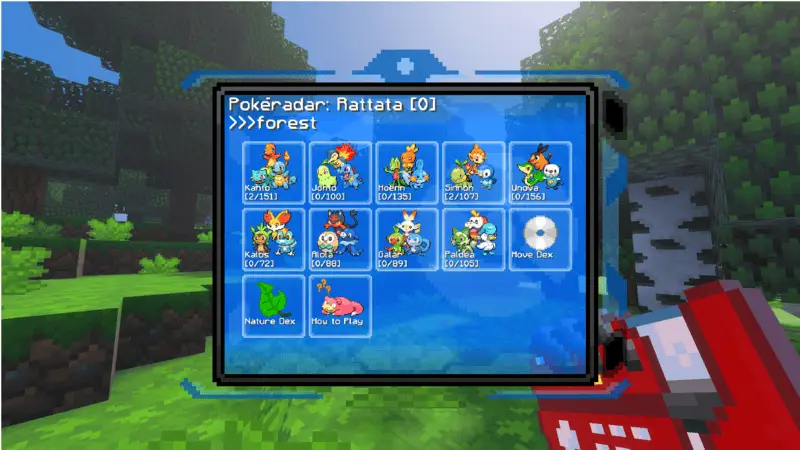
The Pokéradar is a new feature that lets you search for Pokémon near you. In addition, the Pokédex now includes a biome detector to help you find specific Pokémon.
Berry & Apricorn Plants
Berry plants will appear in Pokévillages. You can plant new berries with their seeds, there are some recipes you can make with them!
Apricorn plants will appear over the world. With its fruit you can create some Pokéballs!





Ores & Mining
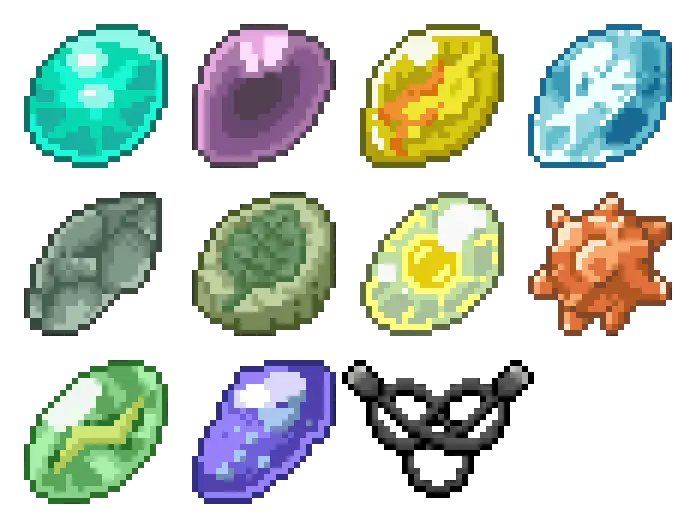
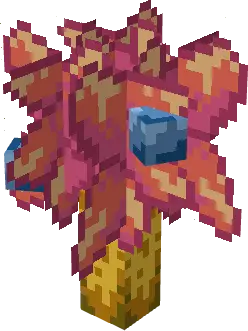
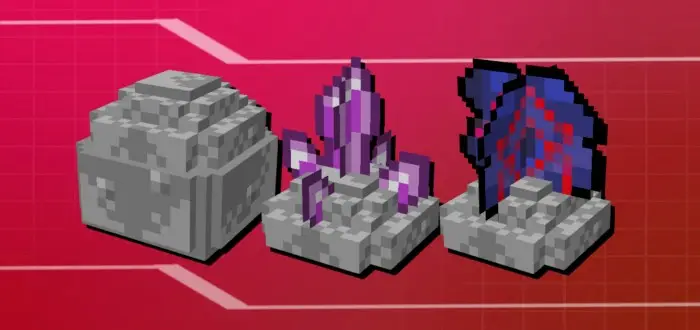
When mining you will find some ores that will contain evo stones, mega stones, key stones or wishing stars. It will help you progress in your adventure and get improvements
Transportation
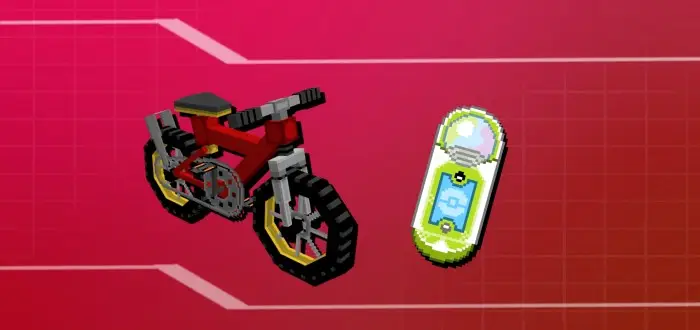
Now the Bike and the Ride pager can be obtained in the Game corner. It will serve as transport to reach more difficult or high places, also to explore more easily.
Backpacks & Customization
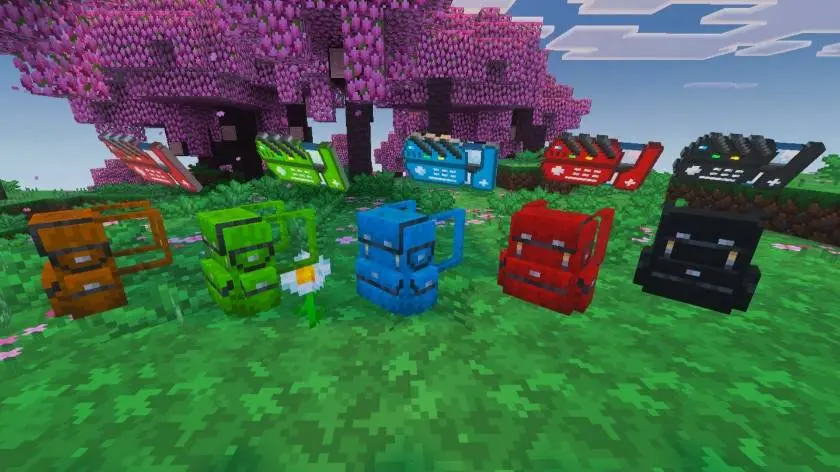
Now you can use backpacks! They function as a Bundle, but you can wear them in the chestplate slot and it give you armor.
You can also paint your Pokédex and Backpack!
Updated on June 28, 2026
- Grazing mechanic added to the PC storage
- You can now only attempt to capture a Pokémon once outside of battle. If you fail, it will attack you, and you'll have to battle.
- The bike is now in the shop, not the Game Corner.
- All interfaces have been changed.
- The Pokédex interface now changes color to match your Pokédex color.
- The Pokédex buttons now display text.
- The storage PC now displays Pokémon names.
- The attack frequency of wild Pokémon is now variable.
- The number of hostile natures has been reduced.
- A bug with Pokémon names has been fixed.
- The Mega Stones for Aerodactyl, Greninja, and Banette have been fixed.
- Minor bug fixes
- Optimization improvements





![Thumbnail: More Armor Weapons Tools and Swords Items Mod! – 𝗠𝗶𝗻𝗲𝗰𝗿𝗮𝗳𝘁 𝗙𝗼𝗿𝘁𝗶𝗳𝘆 𝗥𝗲𝘄𝗼𝗿𝗸𝗲𝗱 [v1.0.2] [New Mods New Addons Update!] [Compatible with any Addon!]](/uploads/posts/2025-02/b0534b5772_minecraft-fortify-cover.webp)
