NEWB X Columbus Shader
 Go to files
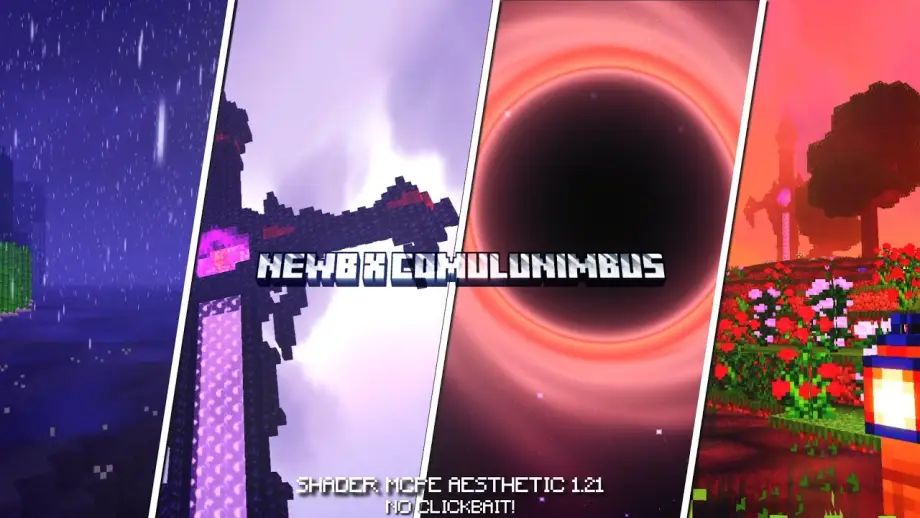
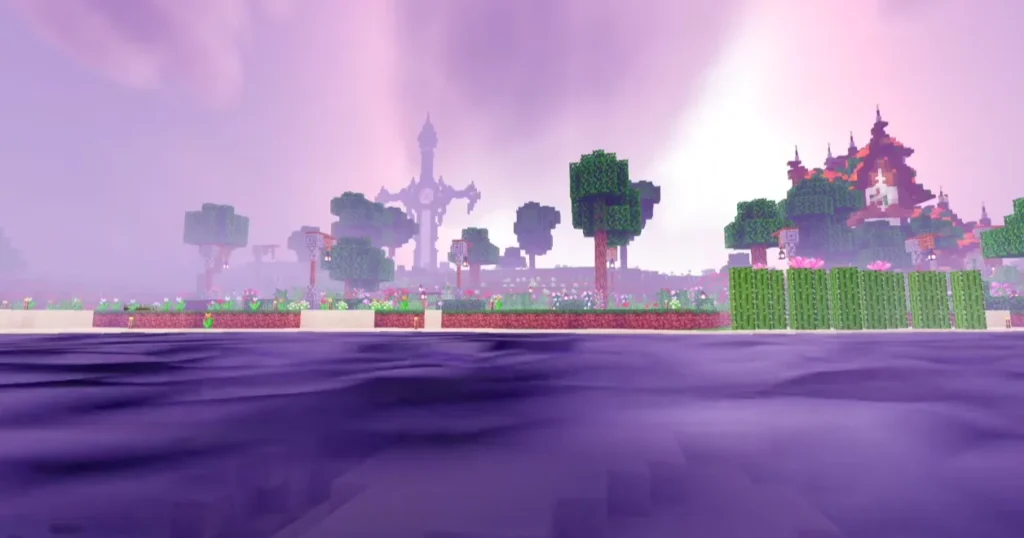
NEWB X Columbus Shader is a visual enhancement shader for Minecraft that focuses on realism, soft lighting, natural colors, and performance optimization. It combines realistic effects with smooth gameplay, making it suitable for both casual and advanced players.
Unlike heavy shaders that cause lag, this shader is carefully optimized, which makes it a great choice for Minecraft PE / Bedrock users as well as players with low to mid-end devices.
Key Features of NEWB X Columbus Shader
Here are the main features that make this shader stand out:
- Realistic Lighting System – Natural sunlight and moonlight effects
- Soft Dynamic Shadows – Smooth and realistic shadow rendering
- Enhanced Water Effects – Clear reflections and gentle wave motion
- Improved Sky & Clouds – Cinematic sky colors and dynamic clouds
- Vibrant Natural Colors – Balanced saturation for a realistic look
- Performance Optimized – Works smoothly on most devices
- Day & Night Atmosphere – Different moods for daytime and nighttime
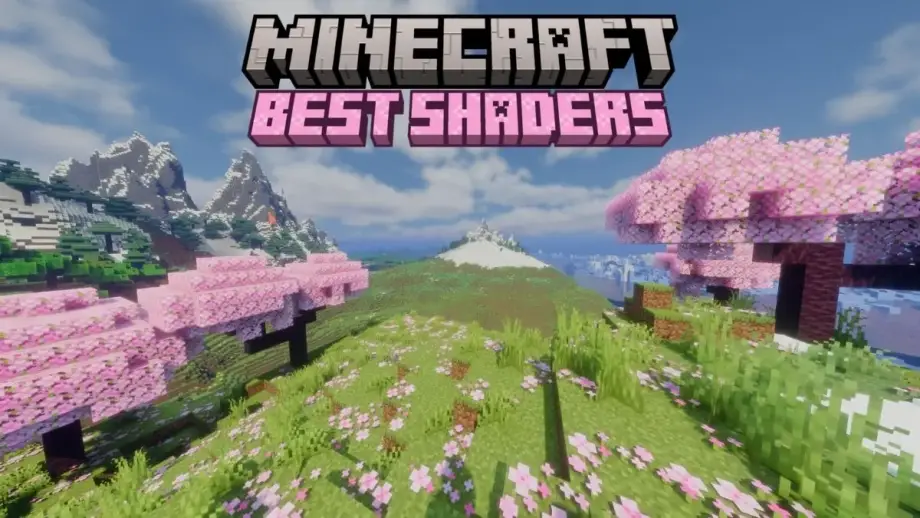
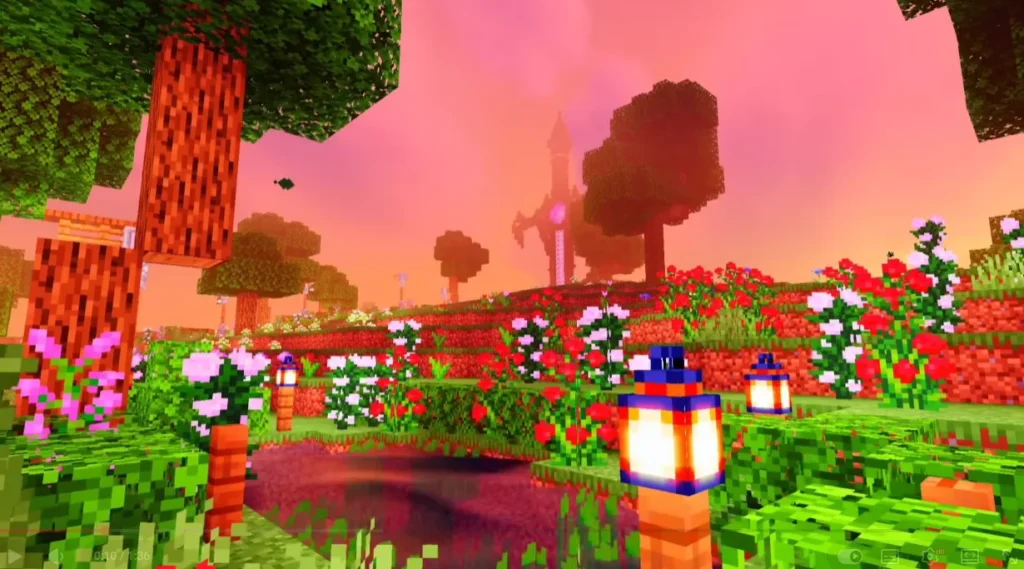
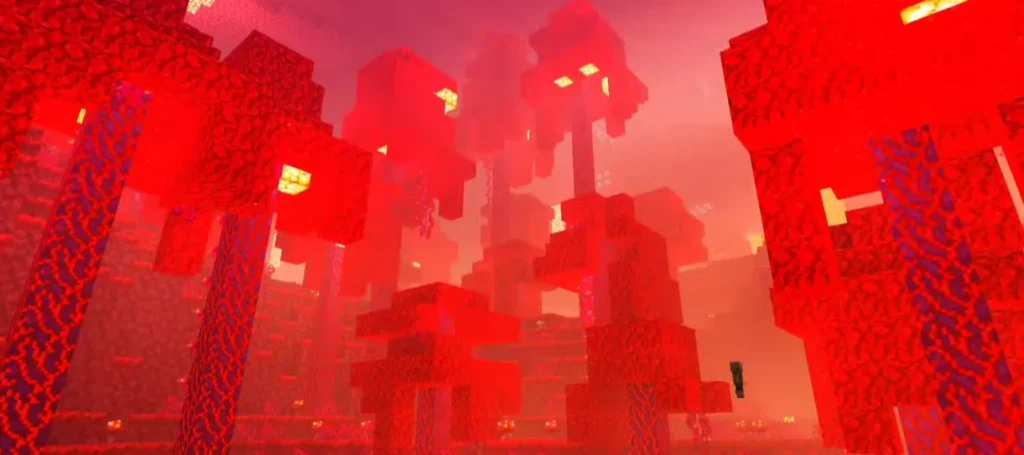
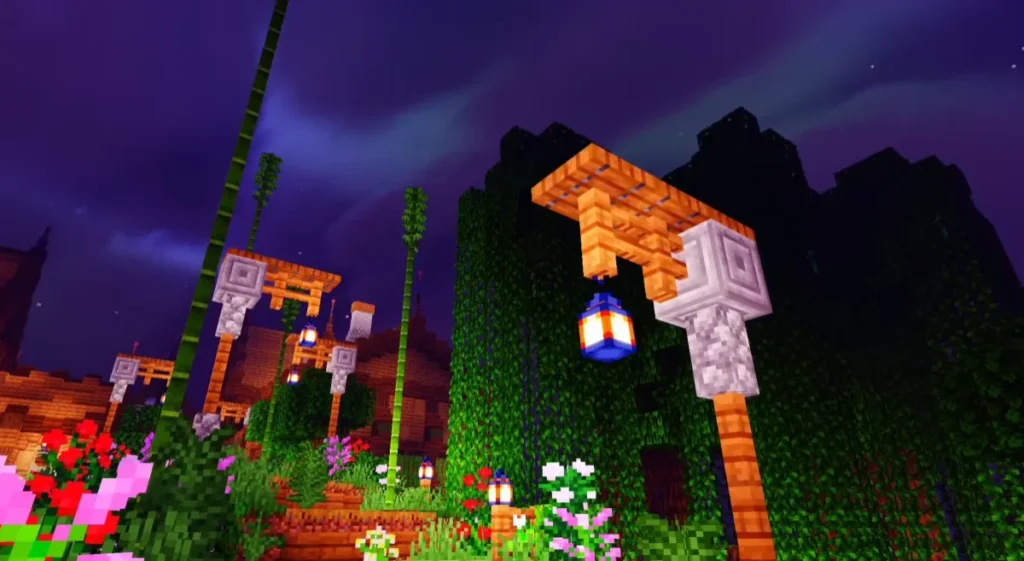
Screenshots:

Why Use NEWB X Columbus Shader?
If you want your Minecraft world to feel alive, this shader is an excellent choice. It enhances visuals without making the game too dark or overly saturated.
Benefits:
- Makes builds look more realistic
- Improves immersion during exploration
- Enhances screenshots and videos
- Suitable for survival, creative, and adventure maps
Compatibility & Requirements
Before installing, check compatibility:
- Minecraft Version: Supports most recent Minecraft PE / Bedrock versions
- Platform: Android, iOS, Windows Bedrock
- GPU: Works on low, mid, and high-end devices
- Render Distance: Recommended medium for best performance
How to Install NEWB X Columbus Shader (Step-by-Step)
Follow these simple steps:
- Download the NEWB X Columbus Shader file
- Open the file using Minecraft
- Import the shader into the game
- Go to Settings > Global Resources
- Activate the shader pack
- Restart the world to apply effects
💡 Tip: If the shader looks too bright or dark, adjust in-game video settings.
Performance & Optimization
One of the best things about NEWB X Columbus Shader is its optimization. Even with realistic effects, it maintains stable FPS.
Performance Tips:
- Lower render distance if lag occurs
- Disable unnecessary background apps
- Use medium graphics settings
Best Use Cases
This shader is perfect for:
- Survival gameplay
- Building realistic houses and cities
- Adventure maps
- Roleplay worlds
- Content creators & YouTubers
Is NEWB X Columbus Shader Safe?
Yes, the shader is safe if downloaded from a trusted source. It does not modify core game files and only changes visual rendering.
Always avoid suspicious websites and never grant unnecessary permissions.
Conclusion
If you’re looking for a shader that balances realism, beauty, and performance, NEWB X Columbus Shader is an excellent option. It enhances Minecraft’s visuals while keeping gameplay smooth and enjoyable.
Whether you play casually or create content, this shader will elevate your Minecraft experience to the next level.
Frequently Asked Questions (FAQ)
Q1. Is NEWB X Columbus Shader free to use?
Yes, it is completely free to download and use.
Q2. Does this shader work on low-end devices?
Yes, it is optimized for low and mid-end devices.
Q3. Is it compatible with Minecraft PE?
Yes, it supports Minecraft PE and Bedrock Edition.