
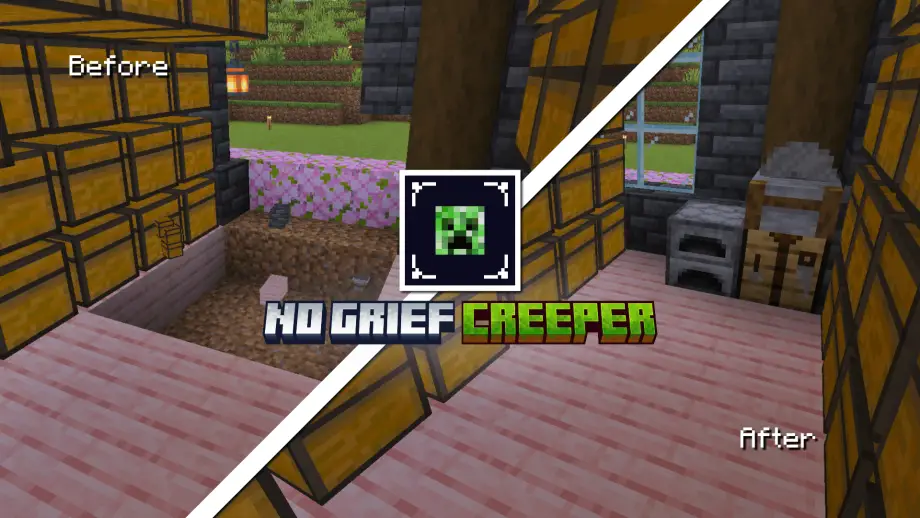
Stops creepers from destroying player-built blocks while remaining achievement-friendly; easy to install as a behavior pack for peaceful builds and survival gameplay.
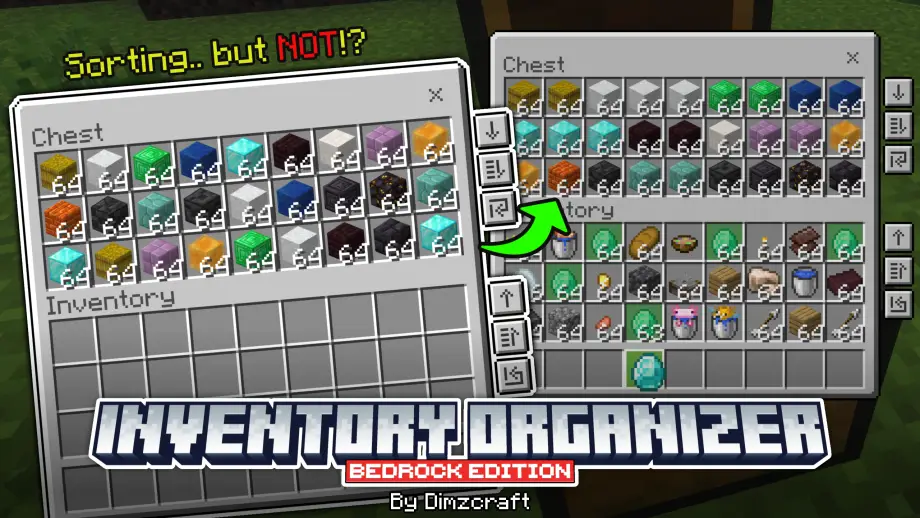
Manage items in your inventory easily! Features include transferring all items, refill, and hm… sorting?
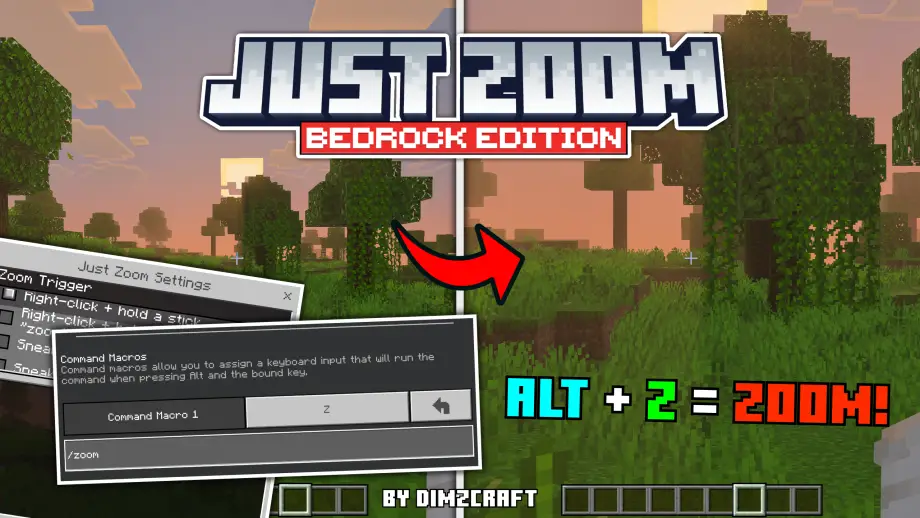
Zoom in Minecraft without a spyglass — customizable hotkeys or double-sneak for mobile, optional cinematic and sound effects, easy setup via /zoom or /setting.
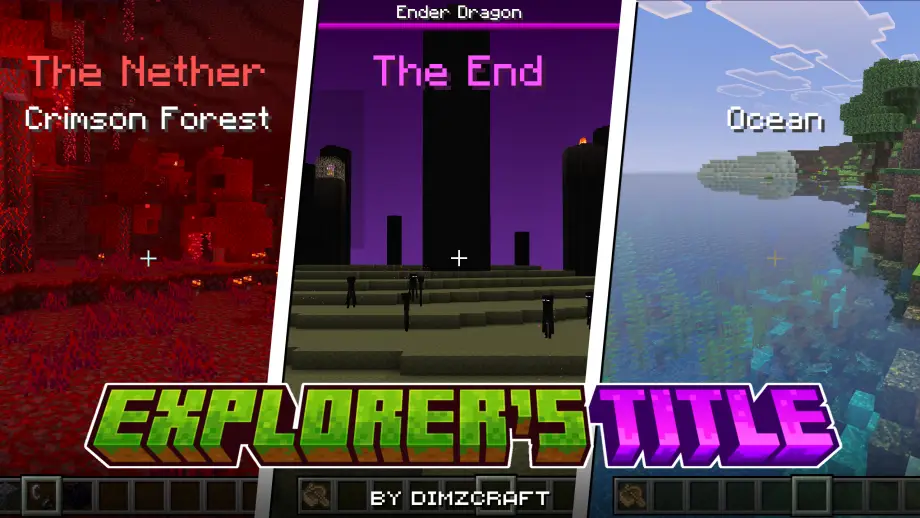
Adds an RPG-style HUD that displays biome and dimension titles when entering new areas, compatible with many biome addons and customizable via .lang files.
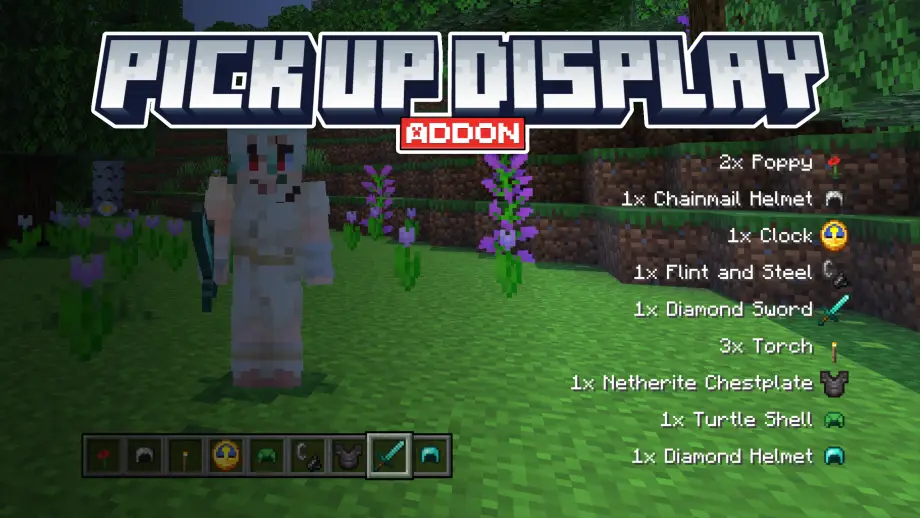
Displays items you pick up in the HUD with item icons and animation, letting you see collected loot without opening your inventory. Achievement-friendly and configurable.
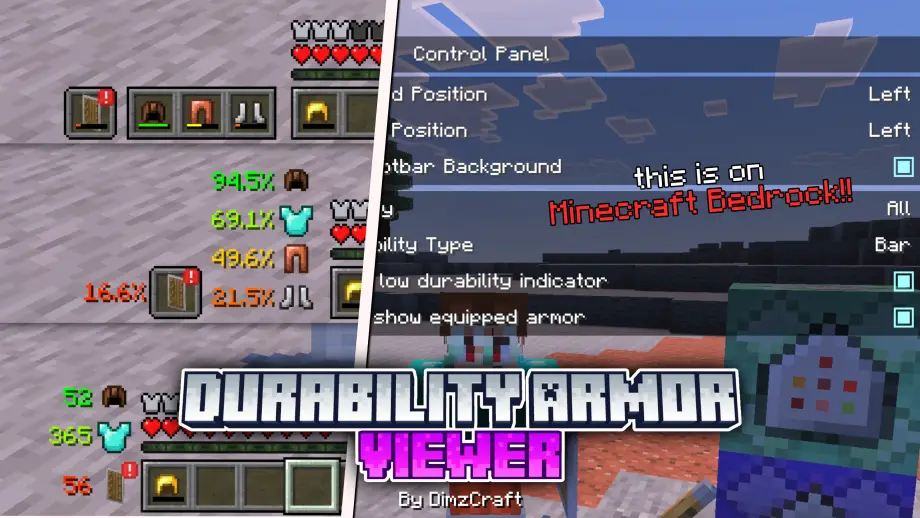
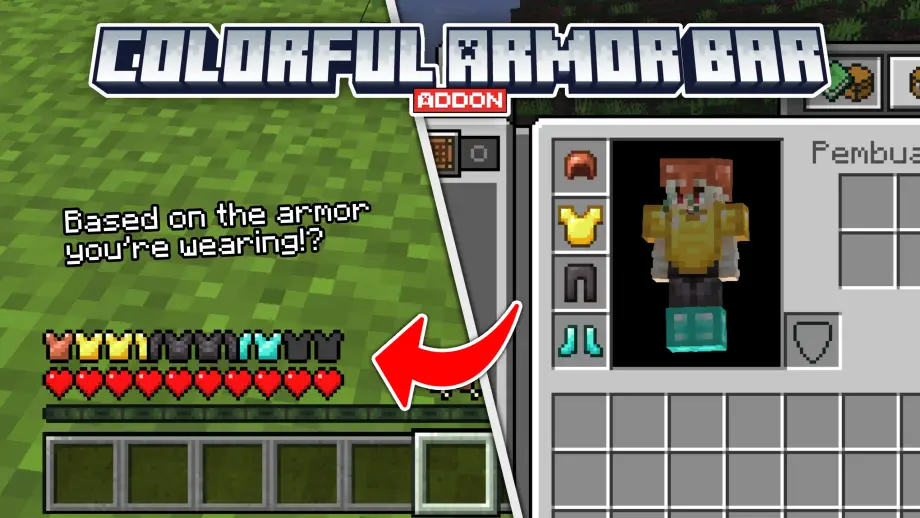
Colorful Armor Bar replaces your armor HUD to visually reflect equipped armor types like leather, iron, diamond, netherite, gold, turtle, and chain.
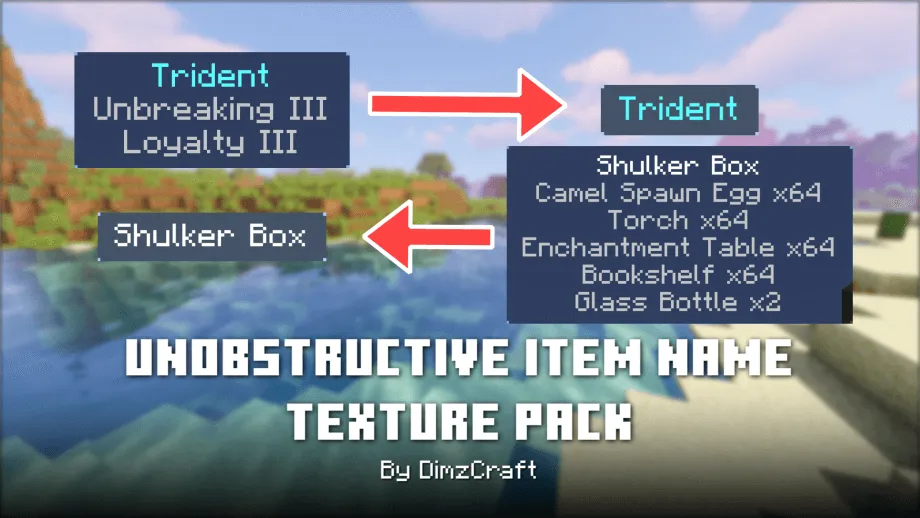
Unobstructive Item Name: this resource pack functions to hide the item name description in the hud. If you are always bothered by the item name text, try using this resource pack.
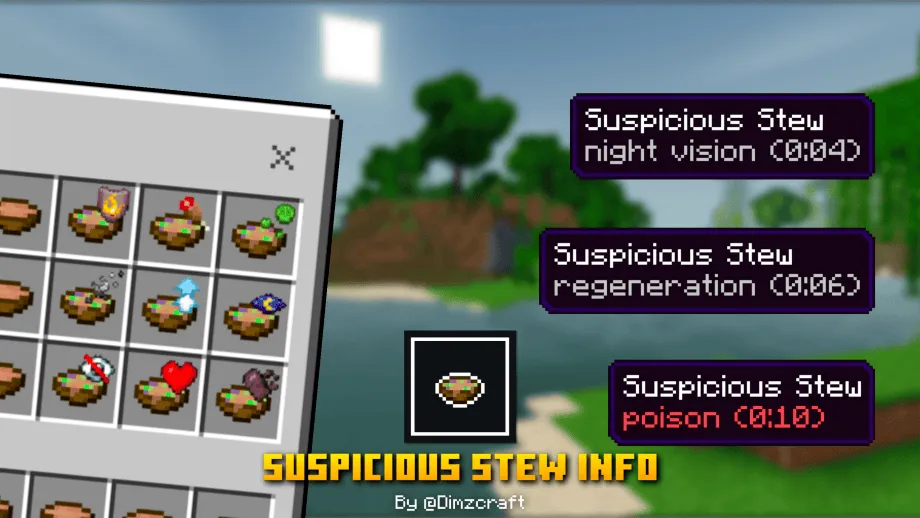
Suspicious stew now has an effect icon in the top-right of the item, and the effect information appears in the hover text (only for keyboard users).
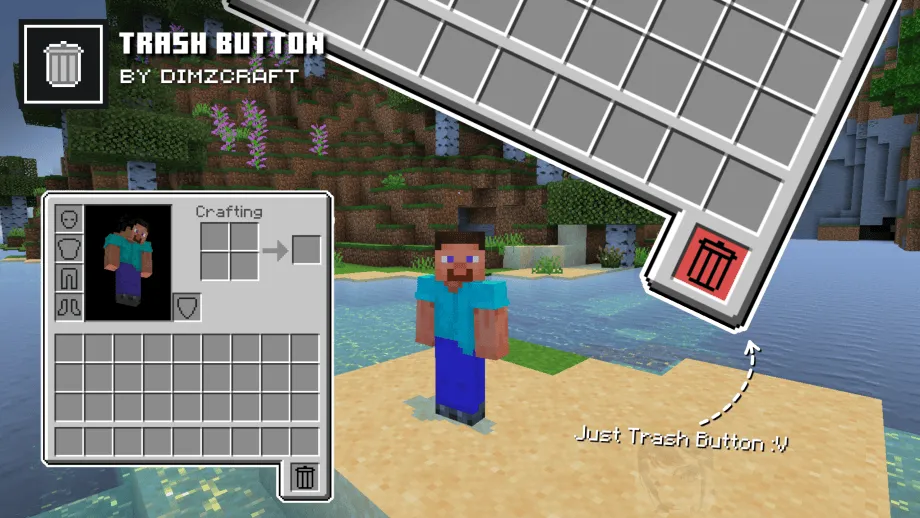
This texture pack adds a trash button to your inventory, allowing you to easily destroy items in creative mode or drop them in survival mode.